Re-initializing ASM (CCE Host)
In this article, I will explain how to Re-initialize SBC 1000 CCE Host
You usually need to re-initializing CCE Host when you are going to reuse the device in a different deployment, in a different site or utilizing a higher version of CCE (you can upgrade instead of reinitializing). Or even if you want to start fresh.
In my case, I got the device that was used in a different POC and now I am deploying it on a new site
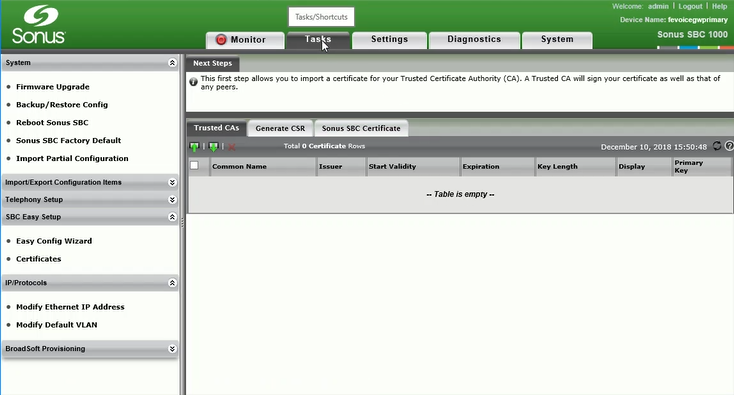
On the Tasks tab, under Application Solution Module, select Operational Status. It might take a few seconds until the “Operational Status” page is shown
This page shows the IP, name, and status of ASM (CCE Host)

Scroll down a little to “Office 365 CCE Status”, and you will be able to see that status and basic information about the 4 VMs of CCE

On the Tasks tab, under Application Solution Module, select “Reinitialize”

Select the correct ASM image that you want to re-initialize with (you might have different versions)
Click on Apply

Click on OK

You would be able to see the status of the Re-initializing process under “Current Activity Status” as shown in the image below

When the process is completed the “Current Activity Status” will show that the re-initializing is completed successfully

When you select “Optional Status”, and “Office 365 CCE Status”, you will notice that there are no CCE VM available.