Checking SIP Messages to Verify the Local Media Optimization Between Teams Client and SBC
Why Do You Need to Check SIP Messages
After configuring Direct Routing with Local Media Optimization, you need to check that Local Media Optimization is working correctly
One way to verify that Local Media Optimization is working correctly is to check the headers in the invite SIP message to examine whether the headers contain the correct values.
Tool Used to Capture SIP Messages (LX Tool from Ribbon)
Ribbon SBC Edge family of products sends the logs using the Syslog protocol.
These logs can include SIP messages and other types of logs depending on the level and settings of logging.
To capture the logs from my Ribbon SBC 1000 (a member of the SBC Edge family), I am using the LX Tool from Ribbon to capture the SIP messages
The LX tool captures the logs by acting as a Syslog server to capture the logs.
After capturing the logs, I have used this tool to verify the header of the invite message
Teams Client Detects That It Is External
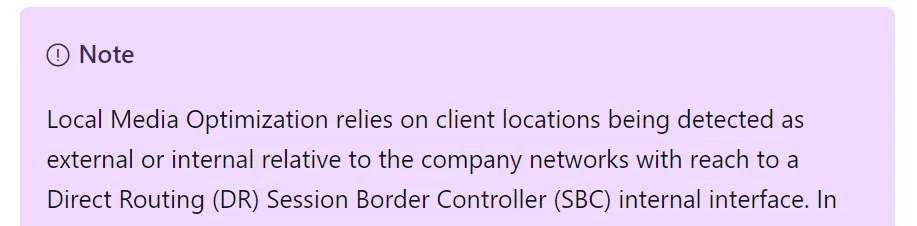
When Teams Client is inside the internal network, but the Direct Routing with Local Media Optimization is not configured correctly (or the Teams Client is external)
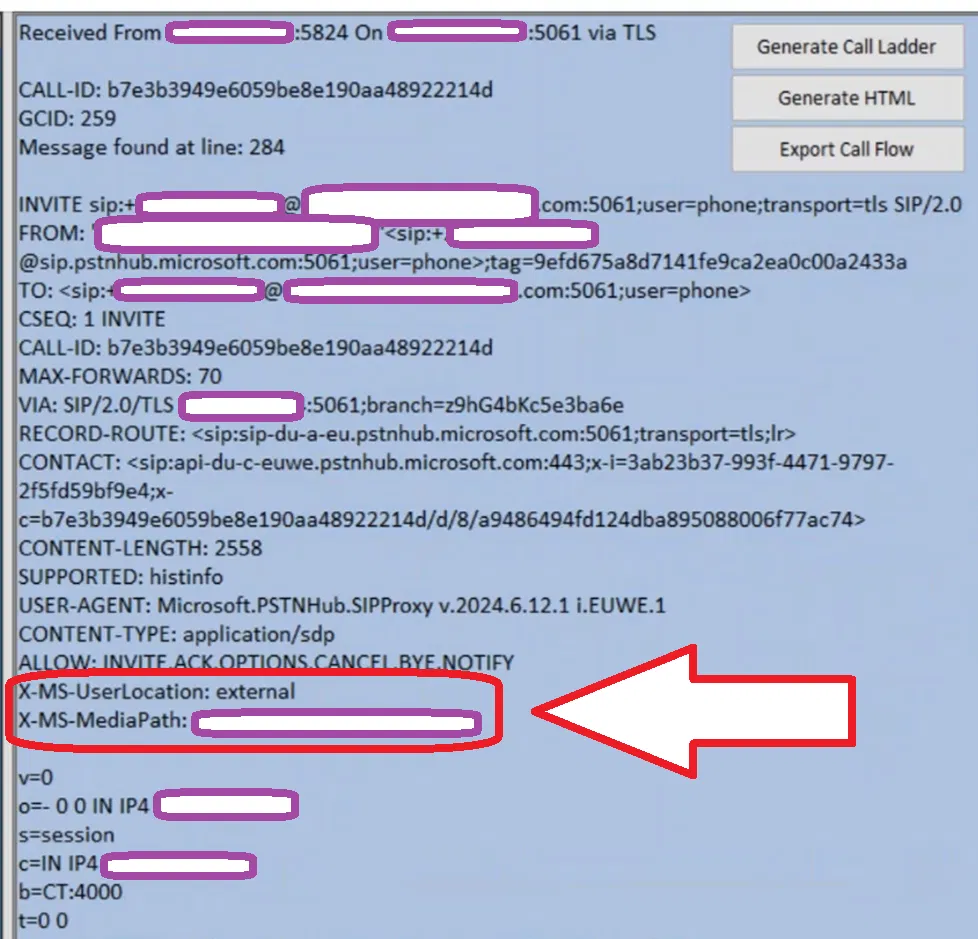
- The X-MS-UserLocation header is set to external. In the invite message (as the image below shows)
- X-MS-MediaPath is set to the SBC FQDN (this is a single SBC setup)
Note:
When Teams Client is really in the external network, the X-MS-UserLocation is set to external (which is the correct setting)
The image below shows the invite message between Teams Client and Ribbon SBC 1000 captured using the LX tool (Ribbon tool to capture Syslog we discussed above). The headers mentioned above are in a red box.
Teams Client Detects That It Is Internal
When the Teams client is inside the internal and Direct Routing with Local Media Optimization is configured correctly,
- The Invite message will have the X-MS-UserLocation header set to internal.
- X-MS-UserSite header will appear in the invite message and will be set to the site of the Teams Client
- X-MS-MediaPath is set to the SBCs FQDN in the correct order (In the example below, X-MS-MediaPath shows only one SBC, since we have only one SBC in our setup)
The image below shows the invite message between Teams Client and Ribbon SBC 1000 captured using the LX tool. It contains the three headers we mentioned (The headers are in a red box)

 `
`