One of the options for a Teams Auto Attendant is to redirect the incoming call to a PSTN number (called external number inside Auto Attendant settings). Based on the menu option the caller has selected.
If a such setting is selected for one or more menu options, you need to assign the “Resource Account” of that Auto Attendant a “Voice Routing Policy” in order to make it able to call the PSTN number mentioned as “External phone number” in the menu option.
How To Setup the Menu Option to Redirect the Call to an External Number (PSTN Number)
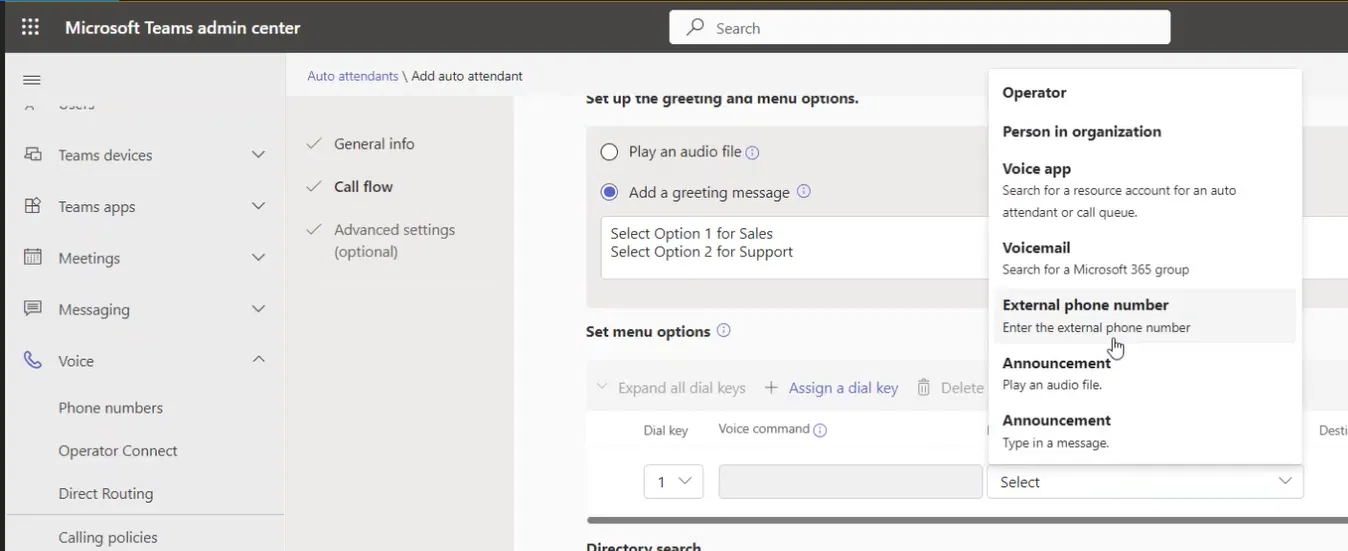
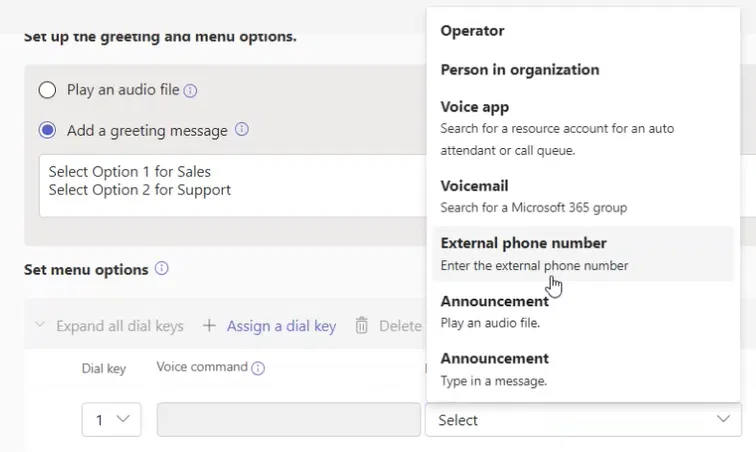
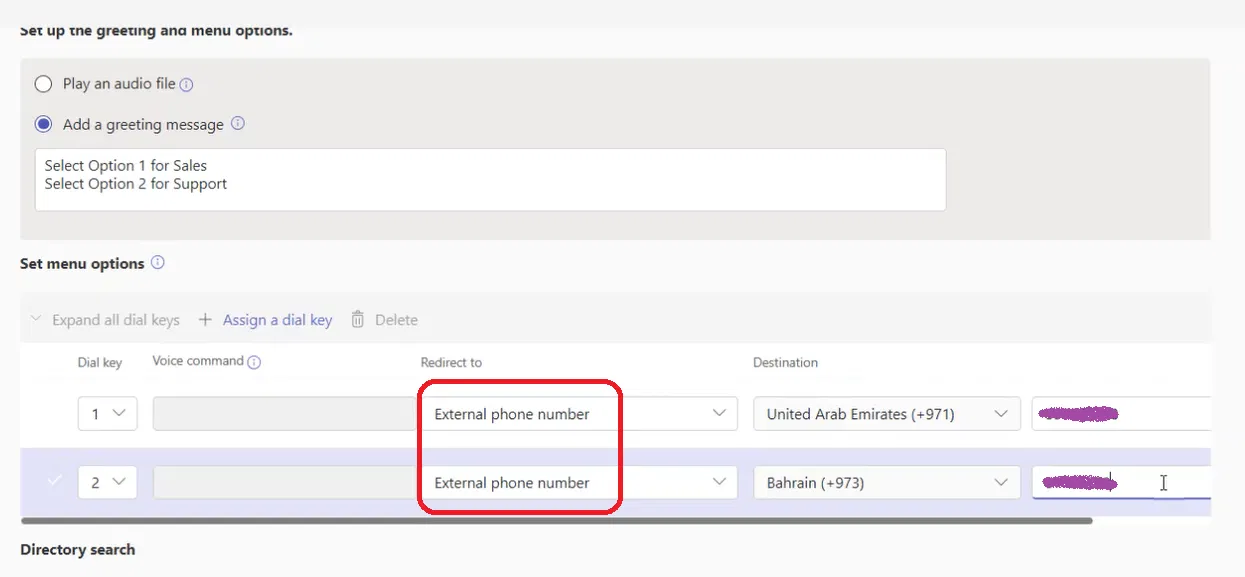
In the menu option settings, set the “Redirect to” field to “External phone number” as shown below
Specify the PSTN phone number (which is of course not part of your organization) under the “Destination” fields (you need to select the country code). The number could be a landline, or mobile number and it could be local, national, or even international.

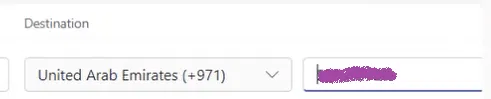
The below shows two different external phone numbers (PSTN numbers).
About The “Voice Routing Policy”
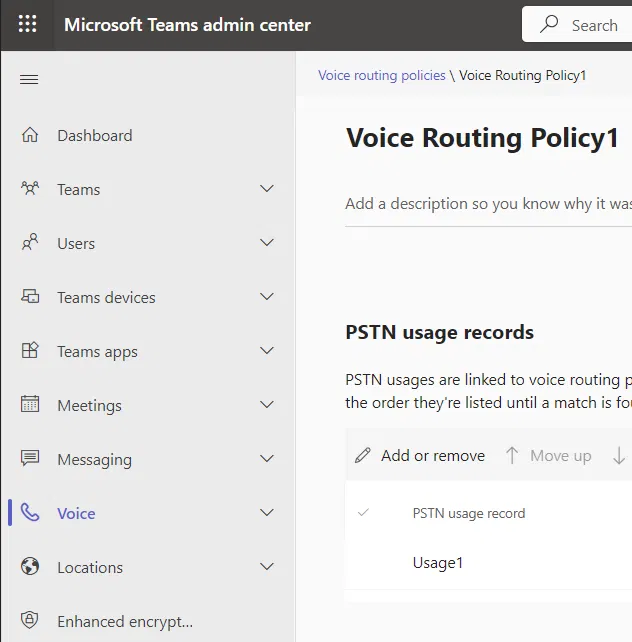
The “Voice Routing Policy” should allow calling the number mentioned. For example, if the number is international, the policy should allow calling that international number (by containing a usage that allows that number pattern). It should specify which SBC Gateway should be used (the usage should be associated with a route that uses that SBC Gateway)
The Voice Policy
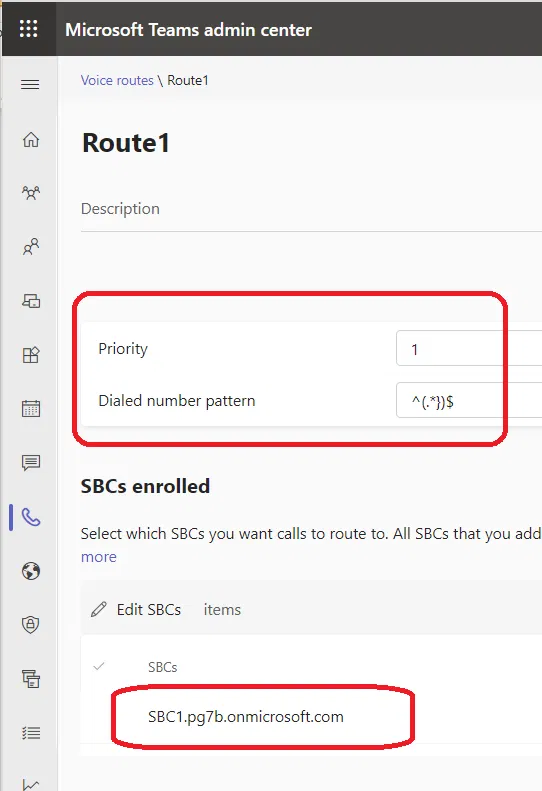
The Route Details Containing the Number Pattern and SBC Gateway
Below are the Route details in the “Admin Centre” and it shows the Number Pattern and the SBC Gateway associated with it
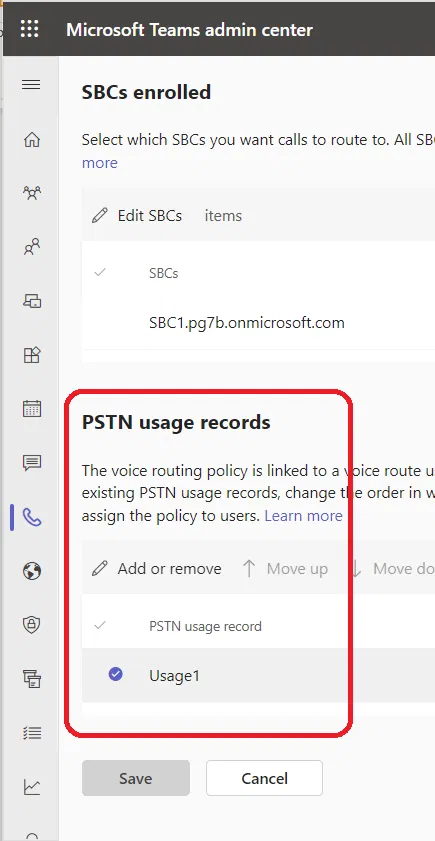
The Route Details Containing the PSTN Usage Associated with It
I have scrolled down to the Route details to show the PSTN Usage
How To Assign The “Voice Routing Policy”
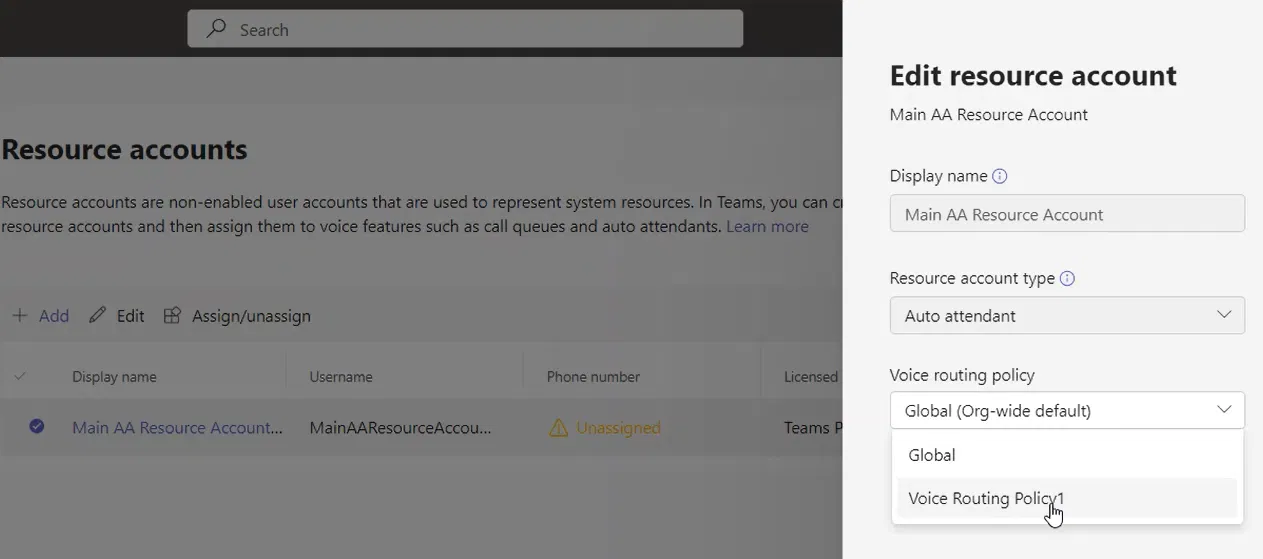
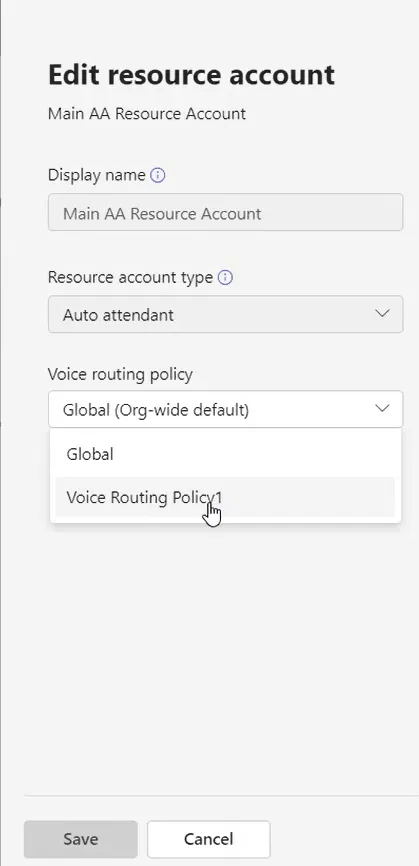
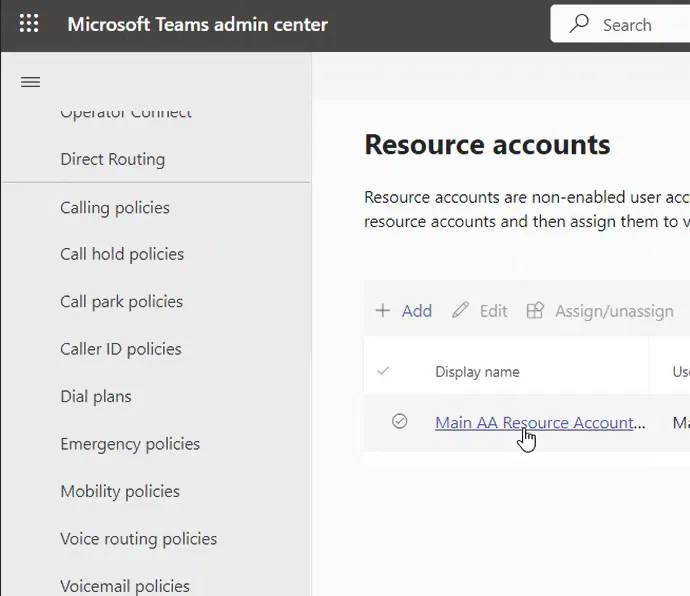
Go to the “Resource Accounts” page and click on the Resource Account to Edit it
Select the “Voice Routing Policy” and click on save.